Finance

Budget Tracker App

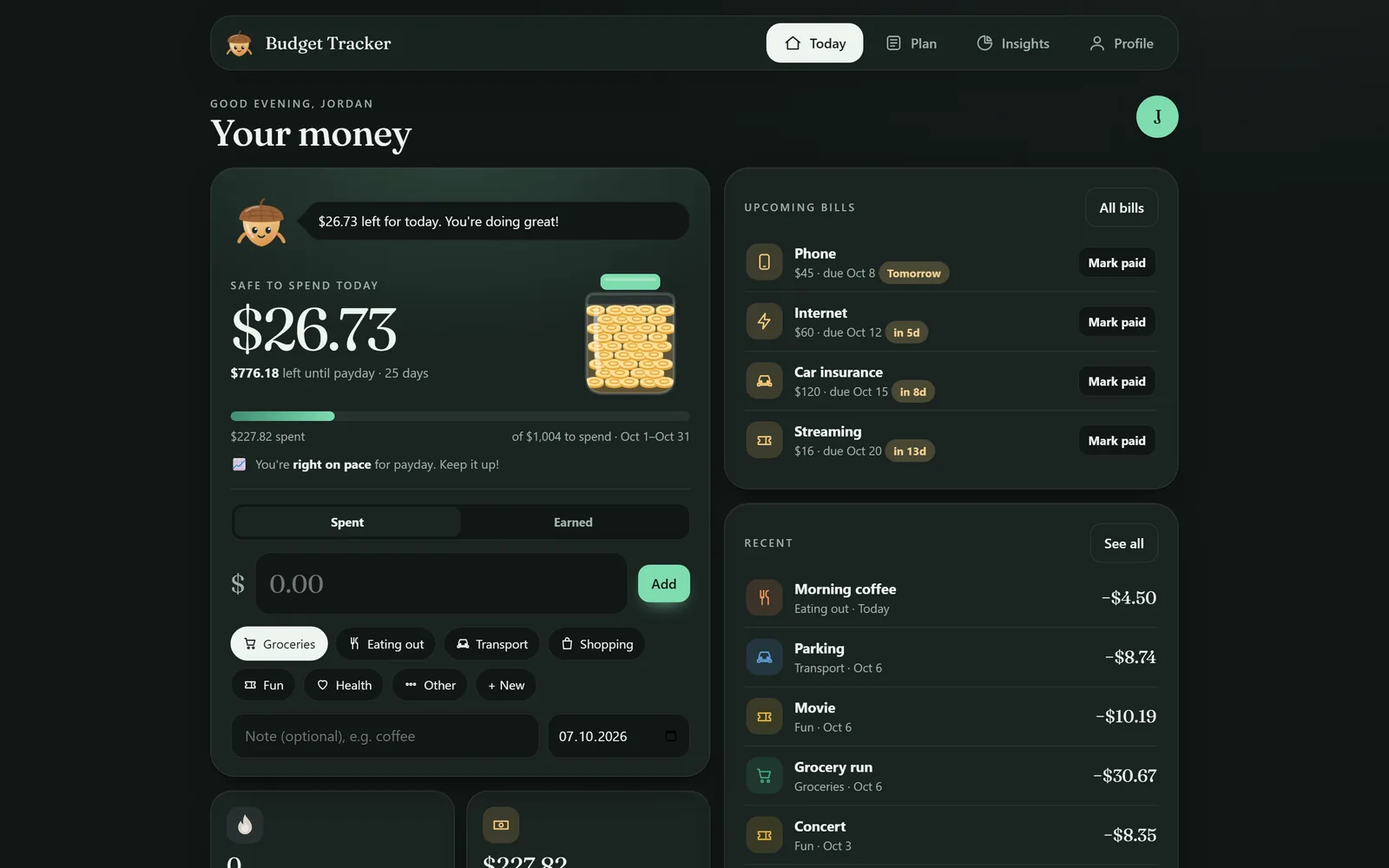
Know what's safe to spend, every single day. A web app for iPhone, Android and computer: no download, no account, no subscription.

  • One-time purchase
  • No subscription
  • Works offline
  • Private on your device
Budget Tracker app screen

On every screen

Your phone, your laptop, your call.

Budget Tracker on a laptop
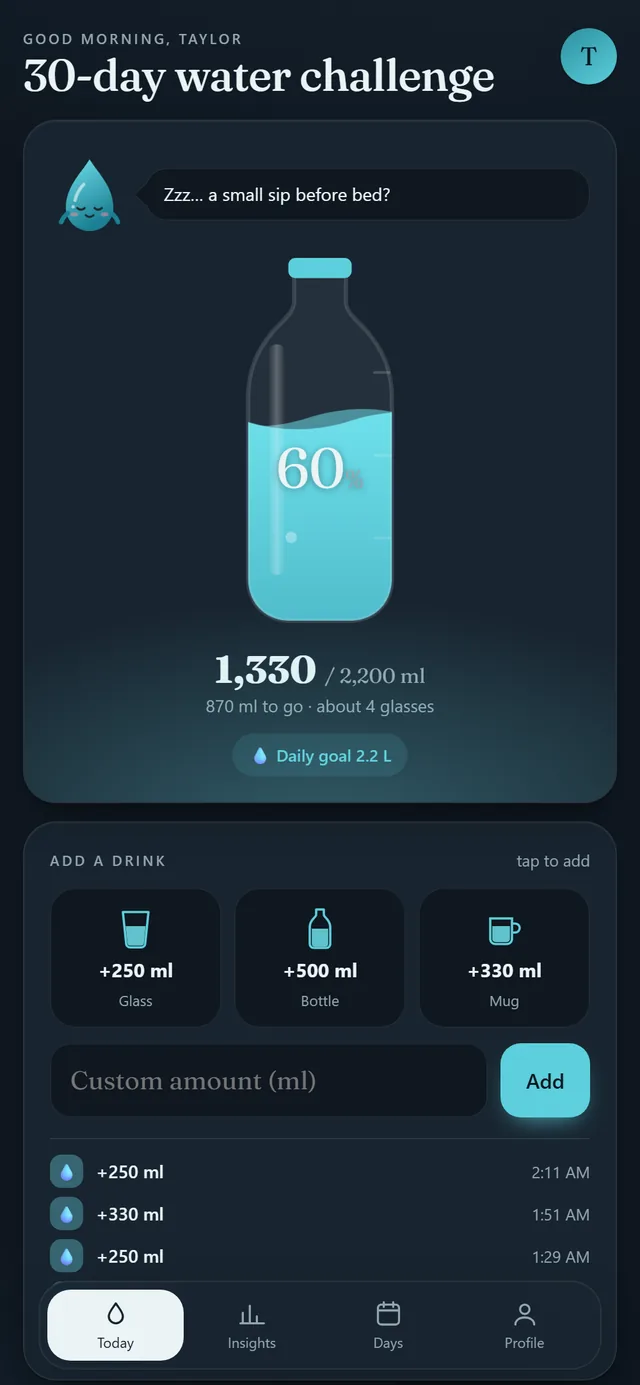
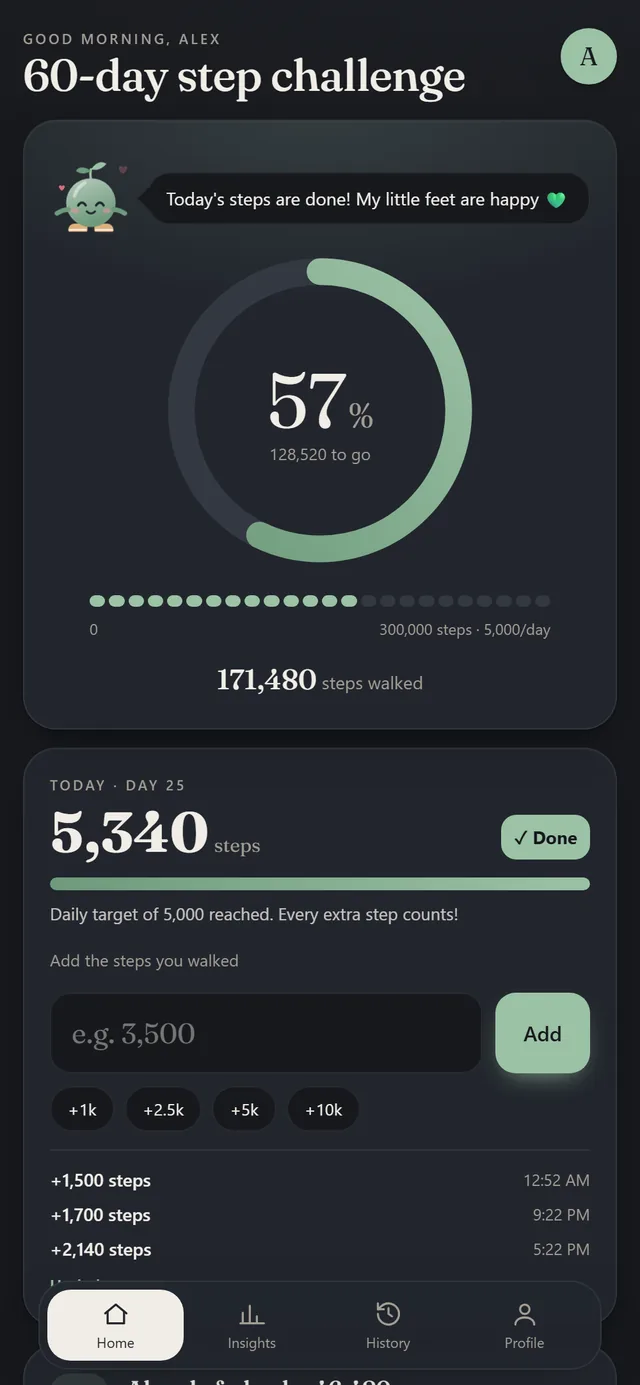
Budget Tracker on a phone

About the app

Why you will love it.

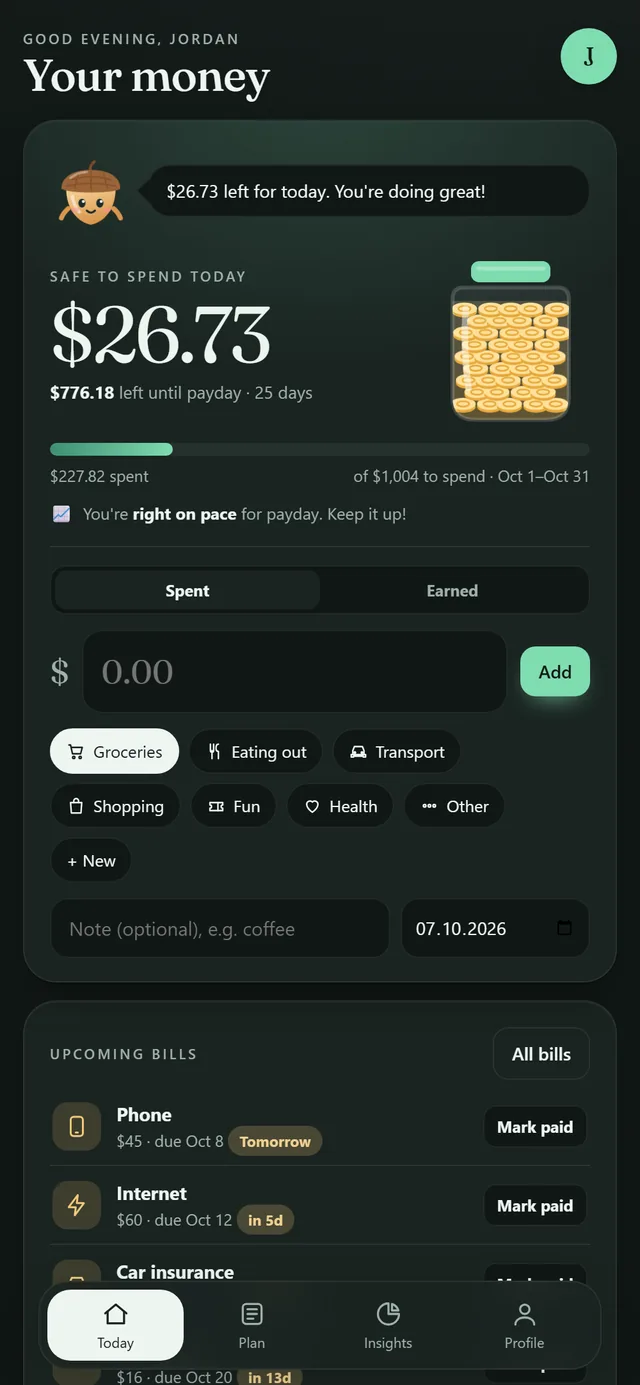
Meet Pip, your little saving acorn. Tell it how you get paid and what your bills are, and it shows you one simple number every day: what's safe to spend. Log a spend in one tap, see every day on a spending calendar, compare this month with the last one and see your whole year at a glance. Plan bills, fill savings goals with target dates, pay off debt with the snowball or avalanche method and watch your net worth grow.

  • Safe to spend, every day
  • Month vs month and a yearly view
  • Spending calendar, day by day
  • Savings goals with target dates
  • Debt payoff plan and net worth
  • Paycheck budgets, any pay cycle

A budget app that tells you what's safe to spend

Most budget spreadsheets show you lots of numbers. Budget Tracker shows you the one that matters: how much you can spend today and still stay on track until payday. It takes your income, sets money aside for bills, savings and debt, spreads the rest over the days you have left and forecasts how you'll finish the month.

Paycheck budgeting, monthly, biweekly or weekly

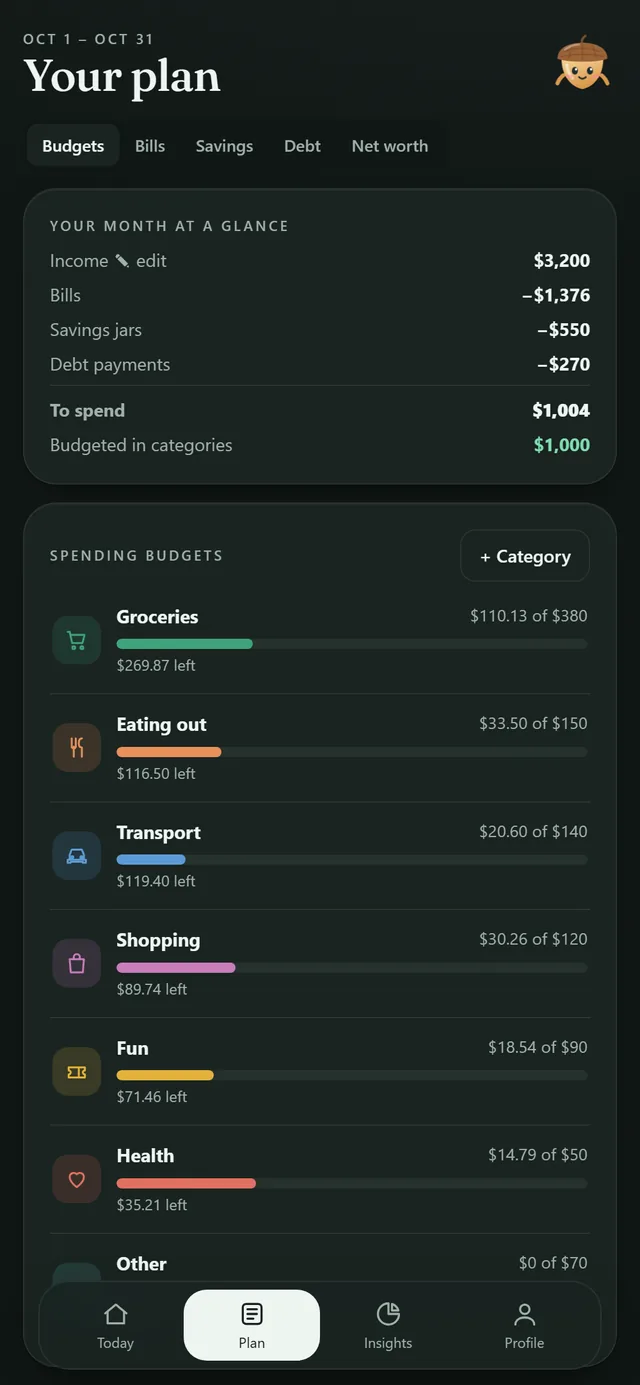
Your budget follows your paycheck. Every payday starts a fresh period, and only the bills due before your next payday are counted. Set spending budgets for groceries, eating out, transport and more, and see each one fill as you spend.

Insights a spreadsheet can't give you

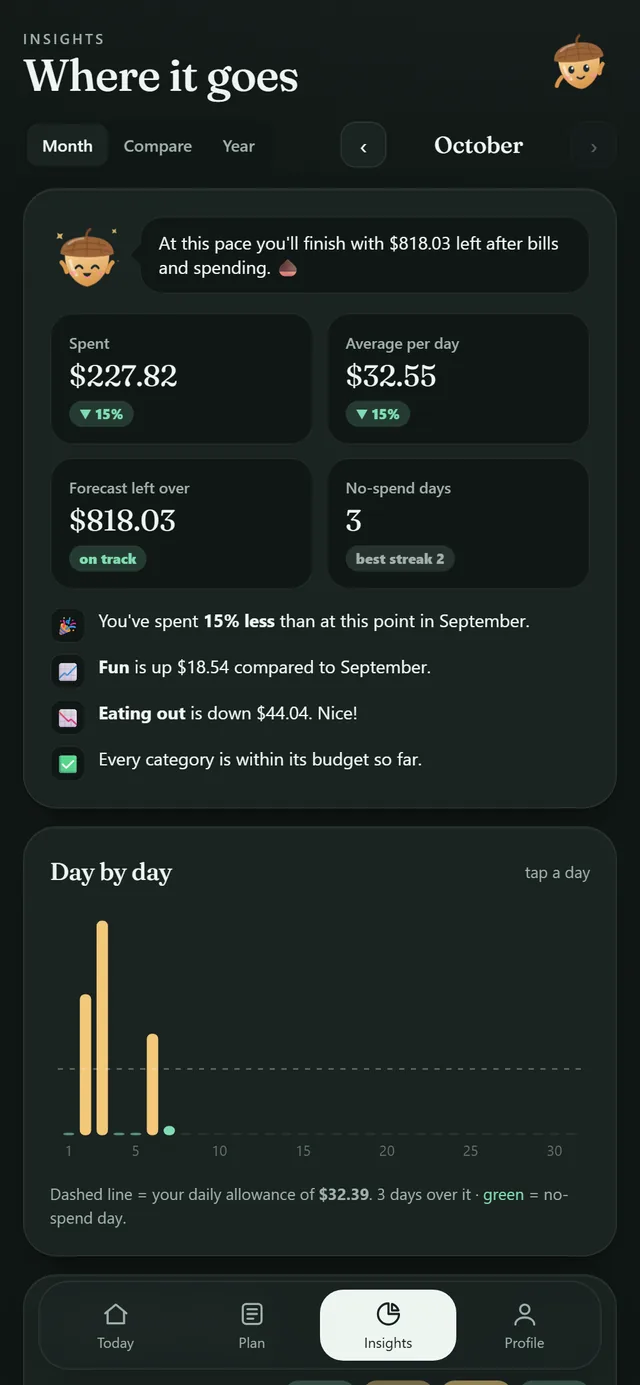
Tap any day on the spending calendar to see exactly what you spent. Compare this month with last month, your 3-month average or the same month last year, category by category. The yearly overview shows money in, bills, spending and what's left for every month, just like an annual budget spreadsheet, but filled in for you.

Savings jars and a debt payoff plan

Make a jar for an emergency fund, a trip or a new laptop and watch it fill with coins. Add your debts and choose the snowball method (smallest balance first) or the avalanche method (highest interest first). When one debt is paid off, its payment rolls over to the next, and you see your debt-free date.

Private, simple and no subscription

Budget Tracker is a web app: it opens in your phone's browser and lives on your Home Screen like any app. No bank login, no account and no subscription. Your data stays on your own device, and you can export it to a spreadsheet any time.
Try our free budget calculator →

What is a web app?

An app that opens in your browser.

Budget Tracker is a web app. You open your private link once in Safari or Chrome, tap Add to Home Screen, and it gets its own icon and opens full screen like any other app. There is nothing to download from an app store, no account to create and no subscription. Your data is saved privately on your own device, and the app keeps working offline.

FAQ

Questions about Budget Tracker

Do I need to connect my bank?

No. You type in your spends yourself, which takes seconds. There's no bank login and nothing is uploaded, so your money data stays private on your device.

Does it work if I'm paid every two weeks?

Yes. Choose monthly, every 2 weeks or weekly. Your budget starts fresh every payday and only counts the bills that fall in that paycheck.

Which currencies can I use?

Dollars, euros, pounds and many more. Pick your currency during setup and change it any time in your profile.

Is this financial advice?

No. It's a friendly tool to plan and track your own money. For personal financial advice, talk to a licensed professional.

Is this a printable?

No. Every CuteTracker is a real web app that opens in your phone's browser. You tap, it saves and your charts update. Add it to your Home Screen and it opens just like any other app.

Do I need the App Store or an account?

No app store and no account. After your purchase you get a private link. Open it on your phone, add it to your Home Screen and you're done.

Is there a subscription?

Never. You pay once on Etsy and the app is yours to keep.

Where is my data stored?

Privately on your own device. Nothing is uploaded to a server. You can download a backup any time and restore it on a new phone.

More from CuteTrackerApp

Meet the family.