Fitness

Step Tracker App

A manual step log for your walking challenge. A web app for phone and computer: no download, no account, no subscription.

  • One-time purchase
  • No subscription
  • Works offline
  • Private on your device
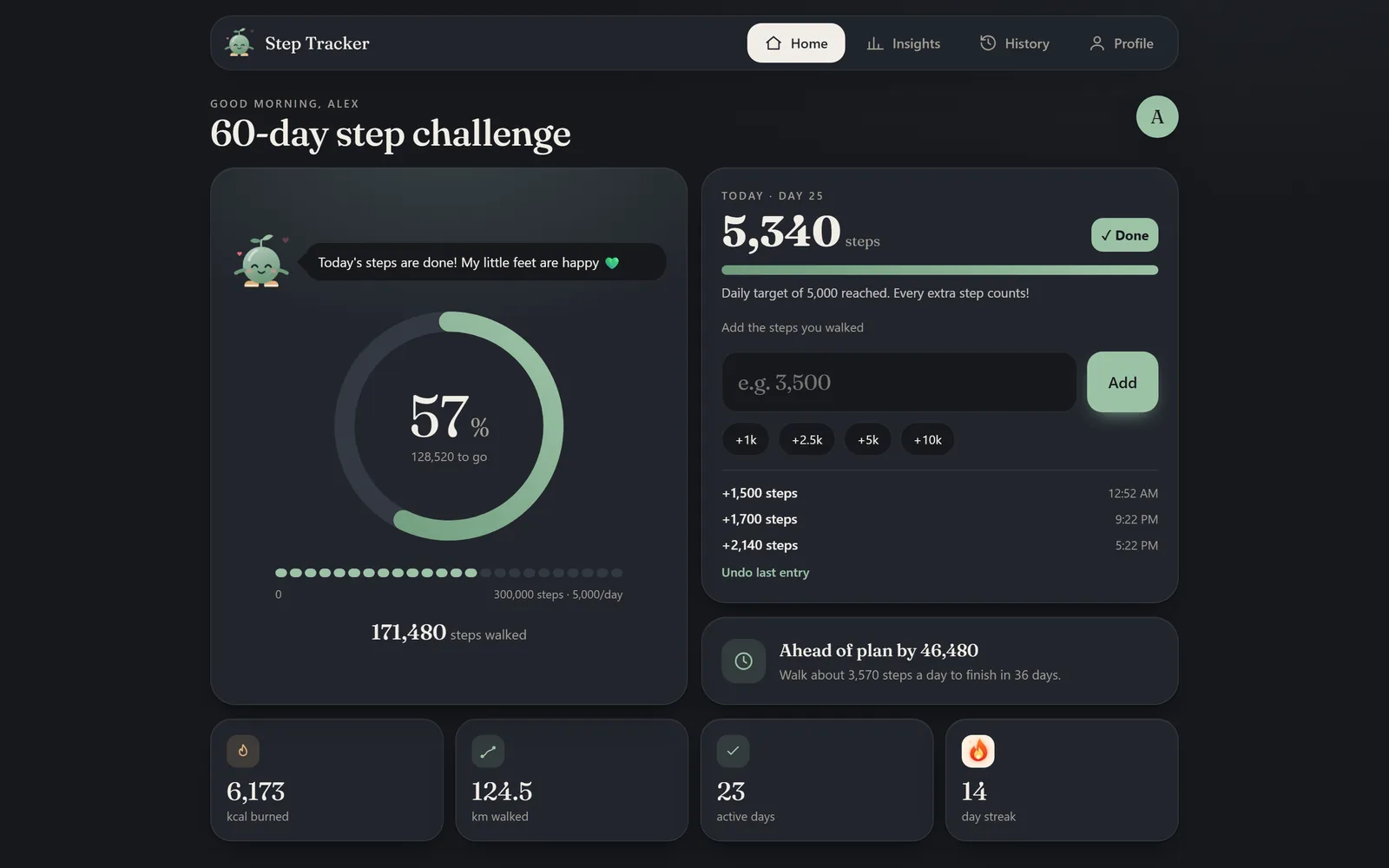
Step Tracker app screen

Step Tracker at a glance

Keep a manual walking log and track a daily step goal across a walking challenge.

Format
Browser app for phone, tablet and computer
Purchase
One-time purchase on Etsy; a PDF provides the app access link
Records
Saved in this browser on this device; no automatic cross-device sync
Backup
Export a backup before clearing browser data or changing devices
How it works
Copy steps from your phone, watch or pedometer. The app does not count steps or sync with a watch.

Access, installation and backup help · App or spreadsheet: which fits?

On every screen

Your phone, your laptop, your call.

Step Tracker on a laptop
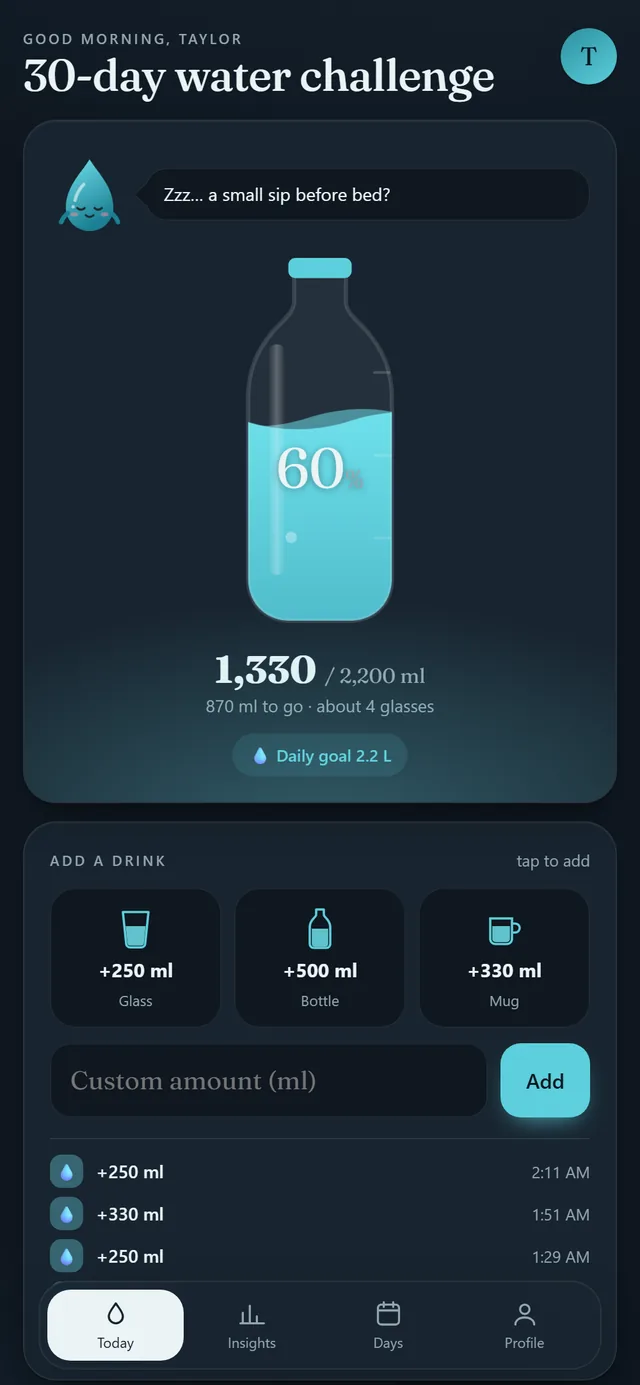
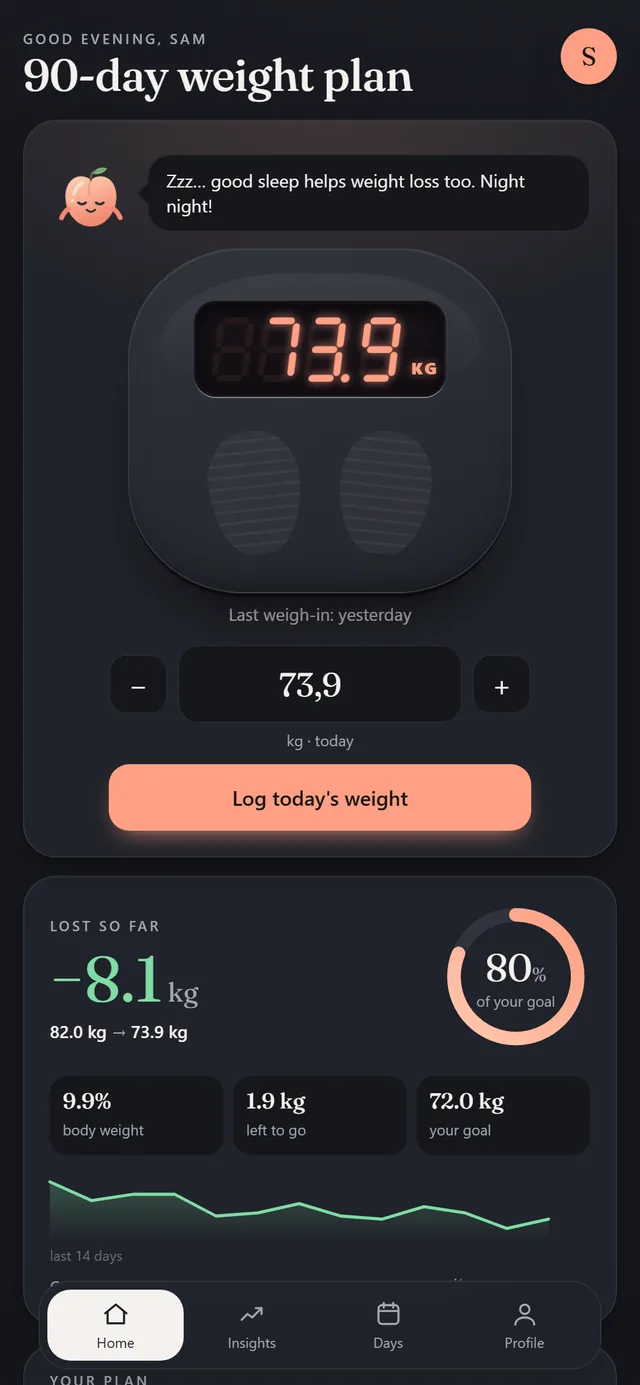
Step Tracker on a phone

About the app

Why you will love it.

Keep a manual walking log and track a daily step goal across a walking challenge. Copy steps from your phone, watch or pedometer. The app does not count steps or sync with a watch.

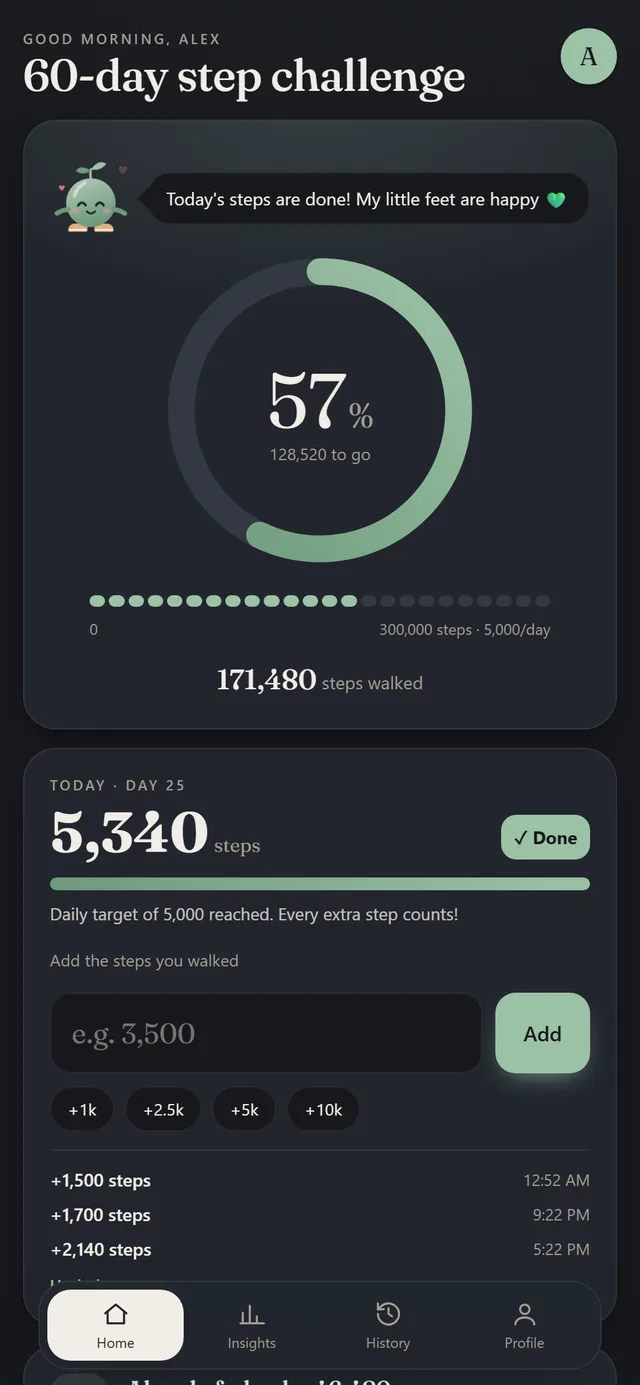
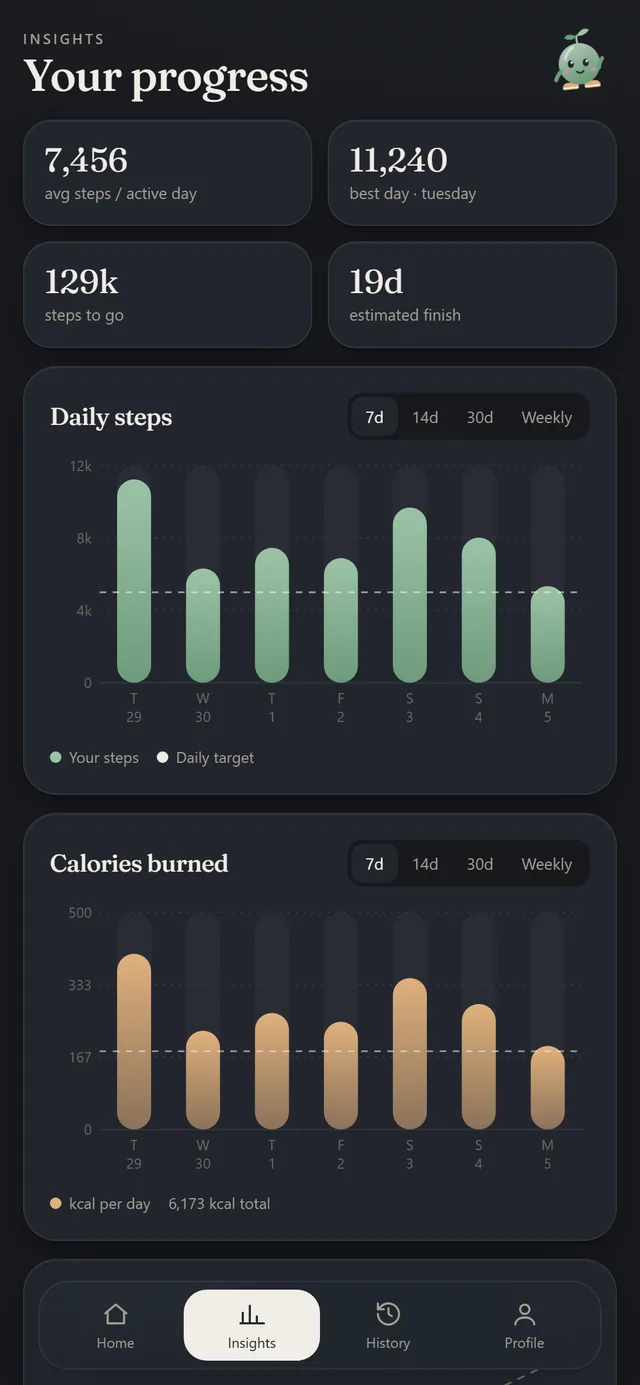
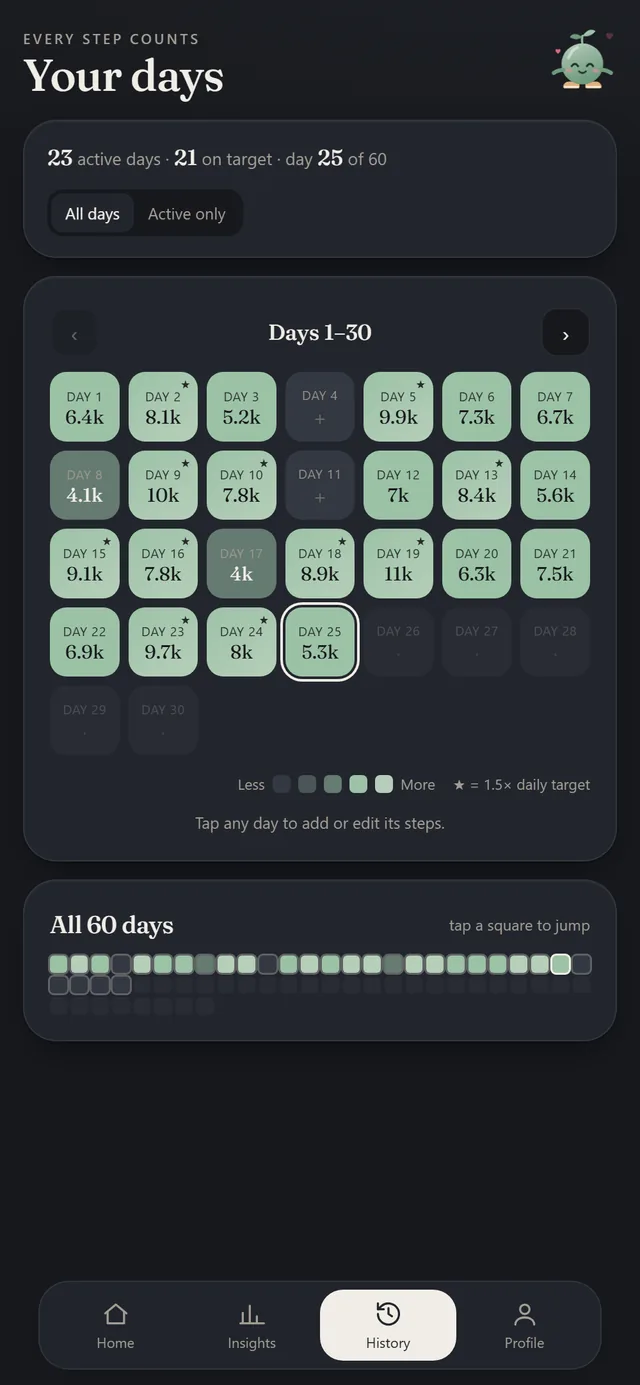
Meet Sprig, your little walking buddy. Choose how many days you'll walk and your daily steps, then watch your total goal load up as you log your walks. Sprig dances when you reach today's target. See calories, distance, streaks, a finish-date forecast and every day of your challenge at a glance.

  • Your challenge in days, not dates
  • A big goal that fills as you log steps
  • Calorie and distance estimates
  • A forecast of when you'll finish
  • Day grid, streaks and weekly charts
  • km or miles, three beautiful themes

A step tracker built around your own challenge

Choose how many days you want to walk and your daily step goal, and Step Tracker turns them into one big goal that loads up as you log your walks. It's perfect for a 30-day walking challenge, a 10,000 steps a day goal or a gentle start with 5,000 steps.

Log steps from any phone or watch

Type in the steps from your phone, watch or fitness band after every walk, or use the quick-add buttons. It works with any device, because you stay in control of your numbers.

Calories, distance and a finish-date forecast

The app estimates the calories you burned and the distance you walked in km or miles, shows whether you're ahead of plan and forecasts when you'll finish. Streaks, milestones and weekly charts keep you motivated.

A web app: no download, no subscription

Step Tracker opens in your browser and lives on your Home Screen like any app. It works offline, needs no account and your steps stay privately on your device. You buy it once and keep it.
Try our free steps to km calculator →

What is a web app?

An app that opens in your browser.

Step Tracker is a web app. You open your private link once in your browser, tap Add to Home Screen, and it gets its own icon and opens full screen like any other app. Your Etsy download is a PDF with the app access link. There is no app account or subscription. Records stay in your browser, with no automatic device sync. Offline use requires initial loading and caching; online features still need internet. Read the setup and backup guide.

FAQ

Questions about Step Tracker

Does it count my steps automatically?

No. You type in the steps from your phone or watch. It takes a few seconds and works with any device.

Are these apps or spreadsheets?

Both are available as separate products. Browser apps open from an access link and use their own interactive interface. Spreadsheets open in Excel or Google Sheets. Each product page identifies the format.

What do I receive after buying an app?

Etsy provides a PDF containing the purchased app link and quick-start instructions. Open the link in your browser; no App Store installation or app account is required.

Is there a subscription?

The listed apps are one-time purchases on Etsy, with no app subscription. Check the Etsy listing for the current price and included product.

Where are app records saved? Do devices sync?

Records are saved in the browser on the device you use. There is no automatic cross-device sync. Export a backup before clearing site data or moving devices, then restore it in the same app.

More from CuteTrackerApp

Meet the family.