Home

Meal Planner App

Plan your week. Your grocery list adds itself up. A web app for phone and computer: no download, no account, no subscription.

  • One-time purchase
  • No subscription
  • Works offline
  • Private on your device
Meal Planner app screen

On every screen

Your phone, your laptop, your call.

Meal Planner on a laptop
Meal Planner on a phone

About the app

Why you will love it.

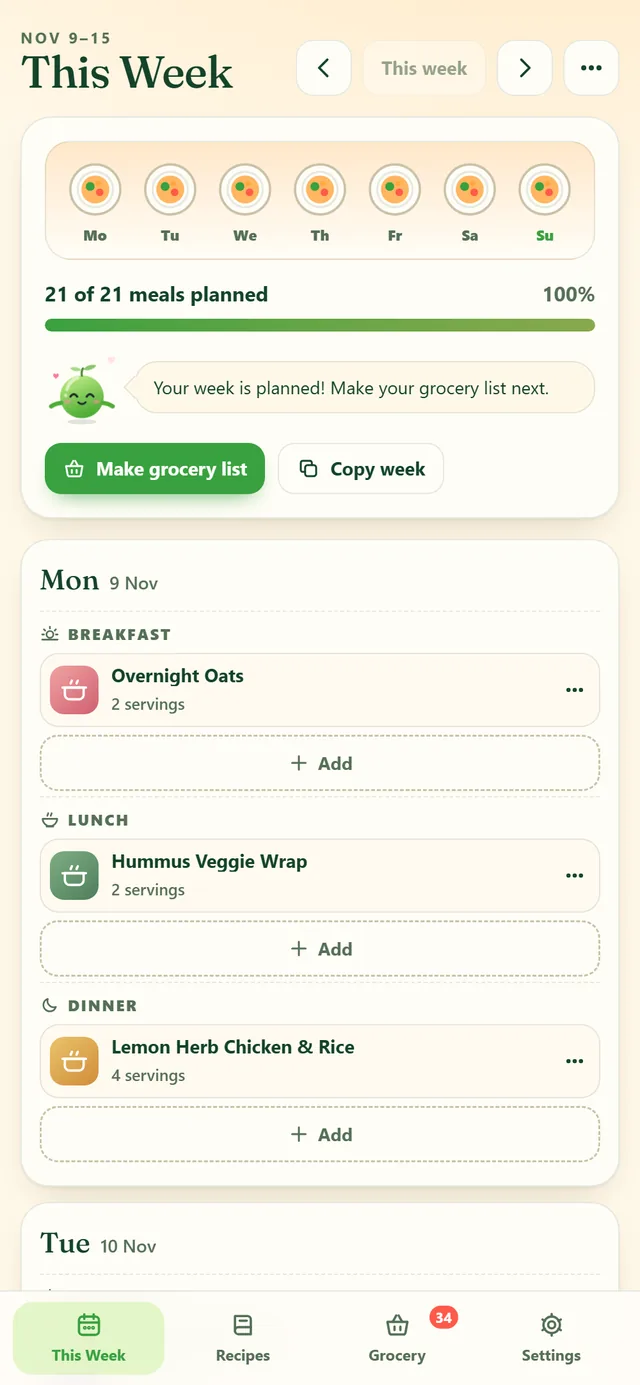
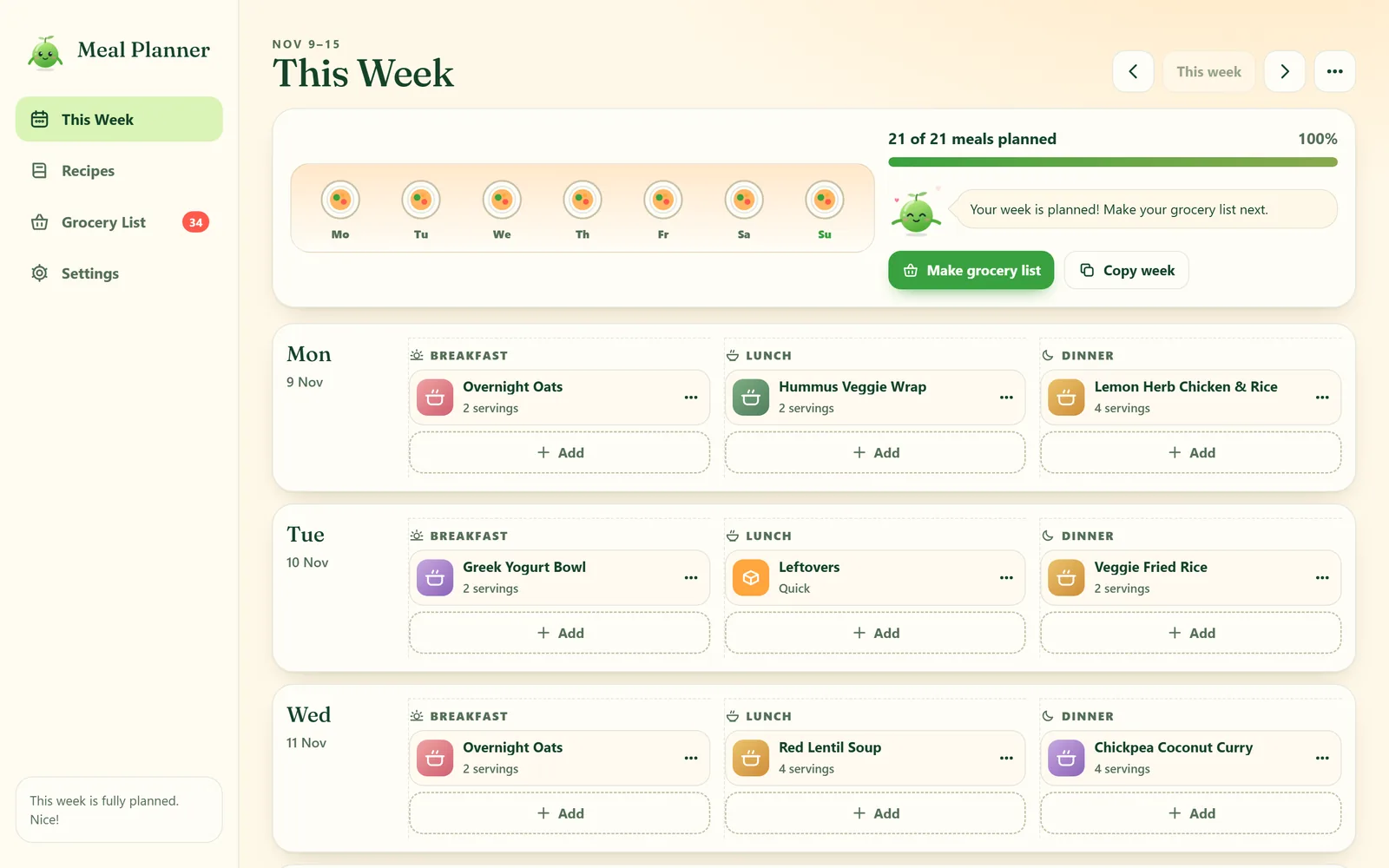
Save your recipes, place them in your week and get a grocery list that adds up the amounts for you. Change servings for any meal, skip what you already have at home and tick items off in the store. Saved in your browser on your device; no automatic sync between devices.

  • Weekly meal plan: breakfast, lunch and dinner
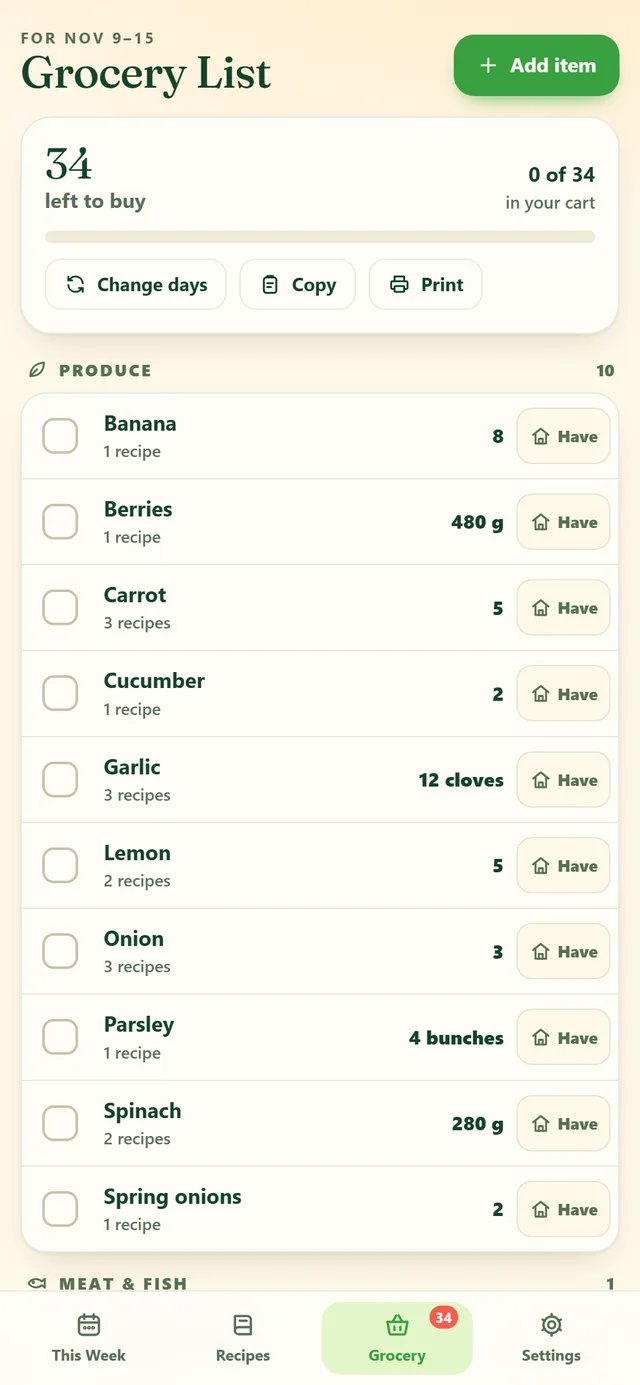
  • Automatic grocery list, amounts added up
  • Servings per meal, ingredients adjust
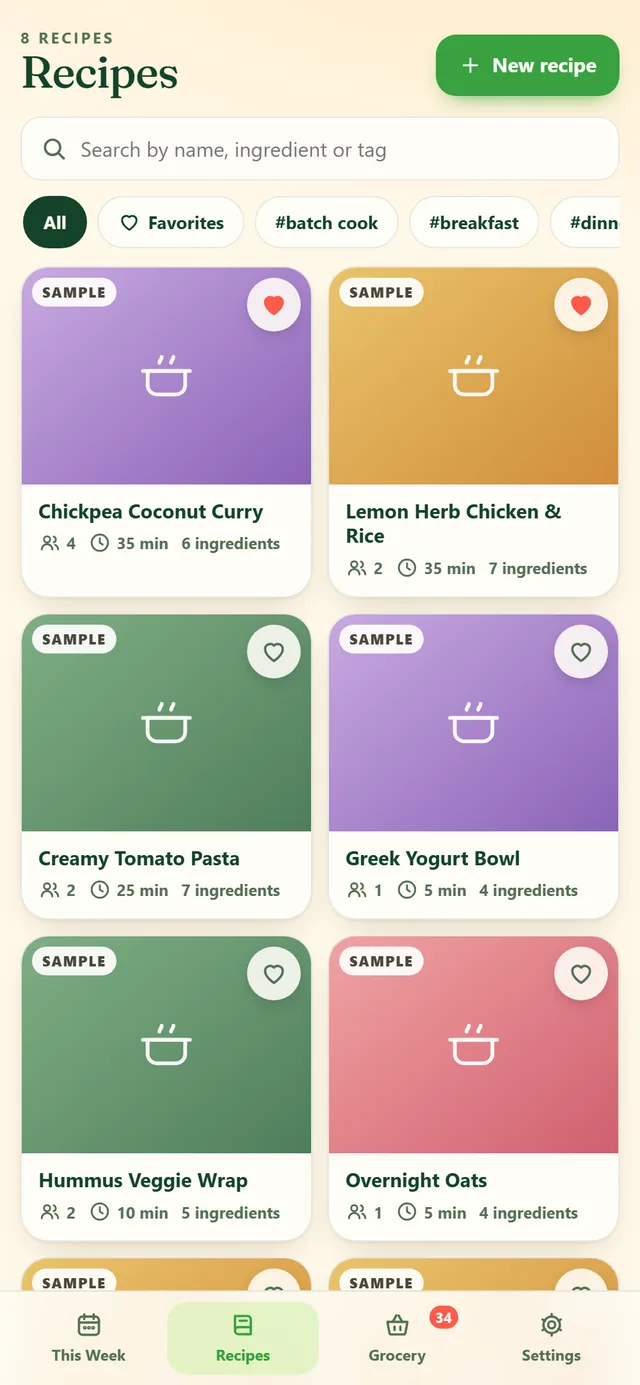
  • Recipe box with search, tags and photos
  • Already have it? Skip it in one tap

A meal planner that writes your grocery list

Save the recipes you cook most, then tap + on any meal in your week. When the week is planned, one tap turns it into a grocery list grouped by aisle, with every amount added up for the servings you chose.

Made for real weeks

Leftovers and eating out count as planned meals, notes work for quick ideas, and any meal can be moved or copied to another day without dragging. Already have garlic at home? Tap Have and it leaves your list.
What is a web app?

An app that opens in your browser.

Meal Planner is a web app. You open your private link once in your browser, tap Add to Home Screen, and it gets its own icon and opens full screen like any other app. Your Etsy download is a PDF with the app access link. There is no app account or subscription. Records stay in your browser, with no automatic device sync. Offline use requires initial loading and caching; online features still need internet. Read the setup and backup guide.

FAQ

Questions about Meal Planner

How does the grocery list work?

Pick the days you shop for and the app adds up every ingredient from your planned recipes, scaled to the servings of each meal. Rice from three recipes becomes one line. Grams and cups are never mixed up; unclear units stay on separate lines.

Can I add my own recipes?

Yes. Add a name, servings, ingredients, steps, notes, tags and an optional photo. You can also paste a list of ingredients and it splits them into lines for you.

Does it sync between my phone and computer?

No. Your data is saved in the browser on each device. Download a backup file and restore it on another device to move your recipes and plans.

Are these apps or spreadsheets?

Both are available as separate products. Browser apps open from an access link and use their own interactive interface. Spreadsheets open in Excel or Google Sheets. Each product page identifies the format.

What do I receive after buying an app?

Etsy provides a PDF containing the purchased app link and quick-start instructions. Open the link in your browser; no App Store installation or app account is required.

Is there a subscription?

The listed apps are one-time purchases on Etsy, with no app subscription. Check the Etsy listing for the current price and included product.

Where are app records saved? Do devices sync?

Records are saved in the browser on the device you use. There is no automatic cross-device sync. Export a backup before clearing site data or moving devices, then restore it in the same app.

More from CuteTrackerApp

Meet the family.